
QR codes for retail and e-commerce
Turn every product into a digital experience — second-hand authenticity checks, scan-limited voucher campaigns and queue management from one QR code.
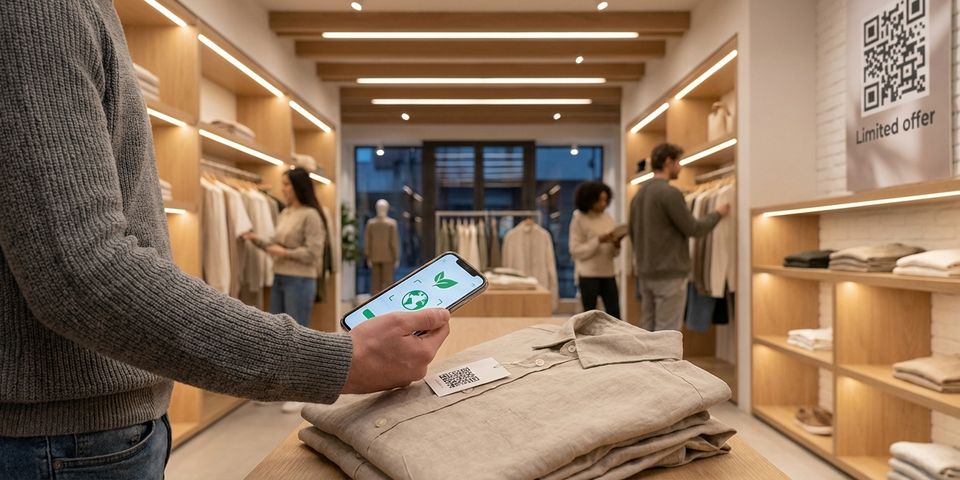
Key features for retail & e-commerce
- ✓Attach a unique QR code to each product linking to its digital product passport — origin, materials, care instructions, and warranty
- ✓Let second-hand buyers scan to verify authenticity and view the product's full history before purchasing
- ✓Run limited voucher campaigns — the first 50 scans unlock a discount code, then the QR code automatically redirects to a "campaign ended" page
- ✓Use visit count rules to create tiered promotions — first 10 scans get 30% off, next 40 get 15% off, everyone after sees the regular price
- ✓Create digital queues for product launches, pop-up shops, or in-store events — customers scan to join and see their position in real time
- ✓Add date range rules to activate campaigns only during Black Friday, holiday sales, or seasonal promotions
- ✓Track scan analytics per product, store location, or campaign to measure real-world engagement
How retail product QR codes work
Give every product and campaign its own dynamic product QR code. Out of the box, the code's default destination is your product page, digital product passport, or campaign landing page.
The interesting part is the rules you stack on top. Cap a voucher at the first 50 redemptions with a visit count rule, or fence a promotion into a single weekend with a date range rule. On each scan, the code works down your campaign list and fires the first offer that still applies — everything below it is skipped, and when nothing applies the shopper lands on your default destination.
And since the code is dynamic, swapping destinations or rules never means reprinting labels or packaging.
Digital product passports and second-hand verification
Attach a unique QR code to each product — on the label, packaging, or sewn into the garment. The default destination links to a digital product passport: a page showing the product's origin, materials, manufacturing date, care instructions, and warranty status.
When the product changes hands on the second-hand market, the new buyer scans the QR code to verify authenticity. They see the same product passport the original owner saw, confirming the item is genuine. This builds trust in resale and extends your brand relationship beyond the first sale.
For fashion and luxury goods, this is especially powerful. Counterfeit products won't have a valid QR code linking back to your verified product database. Buyers learn to scan before they buy.
You can update the product passport at any time — add recall notices, updated care instructions, or end-of-life recycling information — without touching the physical product.
Scan-limited voucher campaigns
Run a promotion where the first 50 people to scan a QR code receive a discount voucher — and everyone after that sees a "campaign ended" message or gets redirected to your regular product page.
Set this up with a single visit count rule:
• Rule type: Visit count
• Threshold: 50
• Period: Total (all time)
• On match (scans 1–50): Redirect to your voucher/discount page
• On fail (scan 51+): Redirect to "campaign ended" page
The scarcity drives urgency. Customers share the QR code knowing that only the fastest scanners win. Place these QR codes on flyers, social media posts, in-store displays, or product packaging.
For tiered campaigns, stack multiple visit count rules:
- Visit count ≤ 10 → 30% discount page
- Visit count ≤ 50 → 15% discount page
- Default → regular product page
Each tier automatically expires as the scan count crosses the threshold. No manual intervention needed.
That is one shared code with a running total. When you would rather give each customer their own — a named voucher per loyalty member, per event guest, per corporate client — use a voucher batch instead. The batch holds the offer and the rules, every recipient gets their own QR code with its own redemption counter, and qrgeno emails them out or exports them as print-ready cards. Same mechanics hotels use for welcome-drink vouchers.
Digital queue management
Use a QR code as a digital queue ticket for product launches, pop-up events, or busy store periods. Customers scan to join the queue and receive a position number. The QR code's destination URL points to your queue management page where customers see their current position and estimated wait time.
Combine this with visit count rules to manage capacity:
• First 100 scans → Queue registration page ("You're #N in line")
• Scan 101+ → Waitlist page ("Queue is full — join the waitlist for next time")
Add a date range rule to restrict the queue to event day only. Before the event, the QR code can show a countdown or event info page. After the event, it redirects to a recap or next-event page.
This replaces physical queue tickets, reduces crowding at entrances, and gives you real data on demand — how many people showed interest, at what time the queue filled up, and how many were turned away.
For recurring events, simply reset the QR code's rules and destination for the next occurrence. The printed QR code stays the same.
Time-limited seasonal campaigns
Activate campaigns only when they matter. Use date range rules to control exactly when a QR code leads to a campaign page versus your regular product page.
Example — Black Friday campaign:
• Rule type: Date range
• From: November 28 — To: November 30
• On match: Redirect to Black Friday deals page
• On fail: Skip (shows default product page)
Stack with visit count for extra impact:
- Date range: Nov 28–30 + Visit count ≤ 50 → "Black Friday exclusive: 40% off" page
- Date range: Nov 28–30 → Regular Black Friday deals page
- Default → Normal product page
The QR code on your product packaging or store display works year-round. During the campaign window it shows deals; outside the window it shows the normal product page. No stickers to swap, no reprinting needed.
Plan your entire seasonal calendar in advance — add rules for Easter, midsummer, Black Friday, and Christmas. They activate and deactivate automatically on schedule.
Getting started with retail QR codes
- Set up a dynamic QR code whose destination URL points at a product page, digital product passport, or campaign landing page
- Open the Rules tab on the QR code's detail page
- Layer on the rules your campaign calls for — a visit count cap for voucher limits, a date range for seasonal pushes, or both together
- Send the code to print on product labels, packaging, shelf tags, flyers, or event posters
- Track scans and campaign performance from the dashboard
One product code and one voucher campaign is plenty for a first run. When the numbers make sense, roll the setup out across the full catalog or run several campaigns side by side.
Every change goes live the moment you save it — a new destination URL, a higher visit count threshold, an extended date range, all without a single reprint. Your physical QR codes are permanent; your digital strategy is flexible.